
Screen Studio
Professional screen recorder for macOS
A screen recorder for macOS that creates engaging product demos, courses, tutorials, and social media videos with automatic zoom, smooth mouse movement, and professional effects.
The pitch
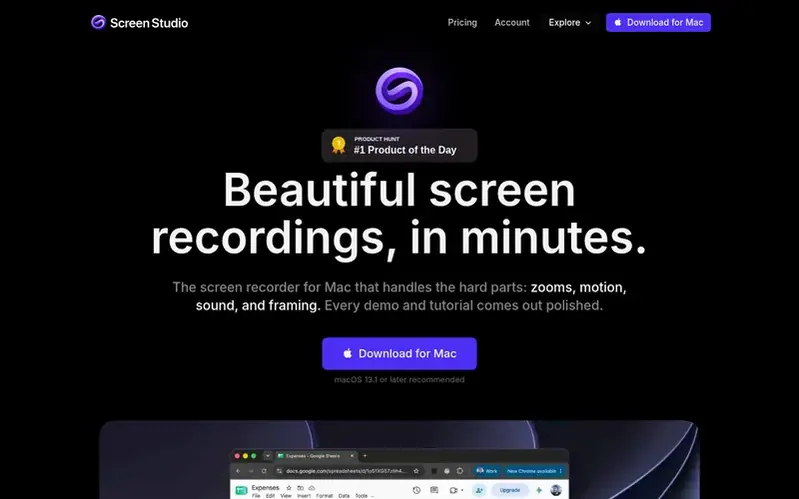
Screen Studio is a screen recorder designed exclusively for macOS that handles complex aspects of video creation: zooms, motion, sound, and framing. It enables users to create polished product demos, tutorials, courses, and social media content.
The application features automatic zoom that analyzes user actions to focus on important moments, smooth cursor movement with motion blur, and multiple camera layouts that transition automatically. It supports recording in various aspect ratios with one-click adjustments for different platforms.
For audio and editing, Screen Studio offers noise reduction, transcript-based editing, and AI-powered caption generation. Users can record iOS devices via USB with automatic device frames, and share videos through shareable links or export in multiple formats including 4K 60fps.
Designed to feel native to macOS, Screen Studio uses Apple's ScreenCaptureKit and runs natively on Apple Silicon Macs with hardware encoding for efficient exports.
Under the hood
- Automatic zoom on mouse actions
- Multiple camera layouts
- Transcript-based video editing
- Automatic caption generation
- iOS device recording via USB
- Noise reduction
- 4K 60fps export
- Shareable links
- Sensitive data masking
Quick answers
What operating systems does Screen Studio support?
Screen Studio is designed exclusively for macOS, running natively on Apple Silicon M-series Macs with macOS 13.1 or later recommended.
How does Screen Studio handle sensitive data in videos?
Screen Studio allows users to cover sensitive data like API keys or email addresses after recording. The masks blend seamlessly into the surrounding UI, or users can highlight important parts while the rest of the frame dims.
Does Screen Studio process audio locally or in the cloud?
Screen Studio performs voice processing locally on your Mac. Noise reduction and Podcast mode run entirely on-device, and transcription can use local speech recognition with Whisper or Apple's built-in system.
Can multiple people collaborate on the same project?
Yes, Screen Studio allows users to share entire editable projects with teammates, so a colleague can continue working on it with all zooms, cuts, and layouts included.
What video formats can Screen Studio export?
Screen Studio exports videos as MP4 up to 4K at 60fps, creates looping GIFs up to 1080p, and provides shareable links at 1080p 60fps for videos up to 30 minutes.
Screen Studio has a free listing. The owner can unlock the full profile with a paid launch for $5:
- Founder story (locked)
- Milestones (locked)
- Demo video (locked)
- Dofollow website link: not on this free listing (its website link is nofollow)