
Tranzly
A WordPress plugin that gives your site as many languages as you like, with nothing capping how much text you translate, at no cost for the core edition
Tranzly gives each WordPress page, product and menu its own genuine version in every language, using DeepL or an AI model through your personal account, and puts no cap on words.
The pitch
Trackside with Tranzly
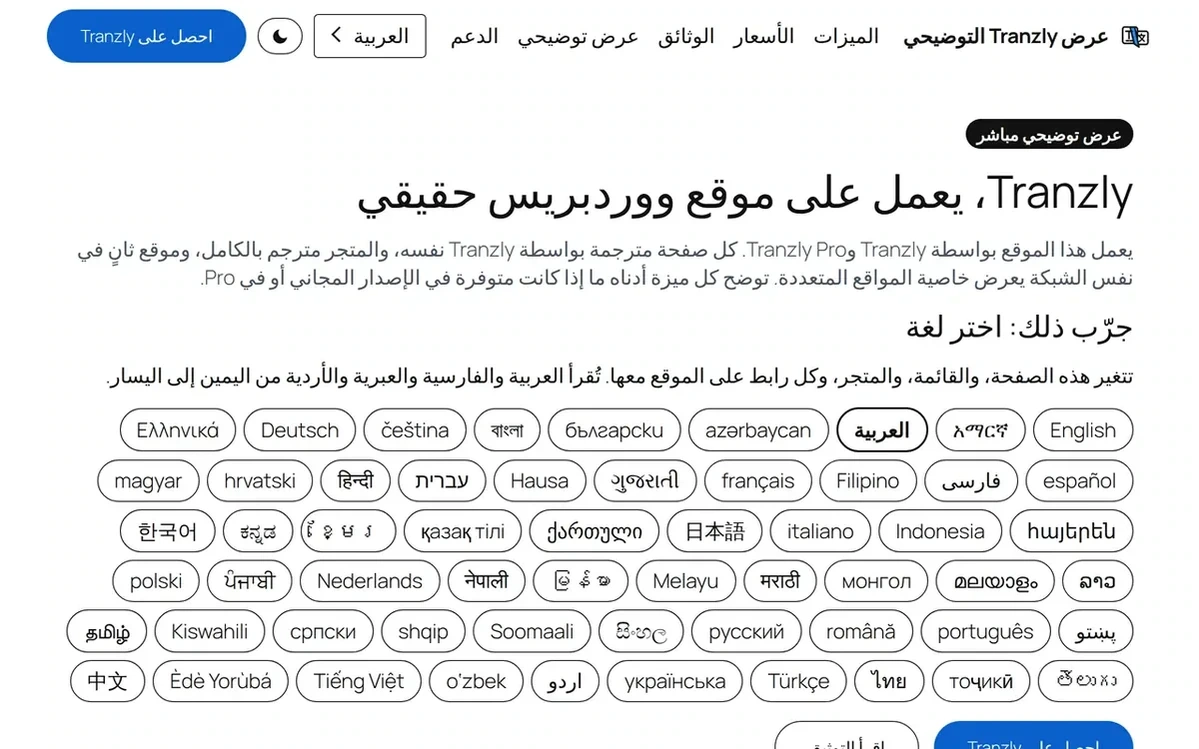
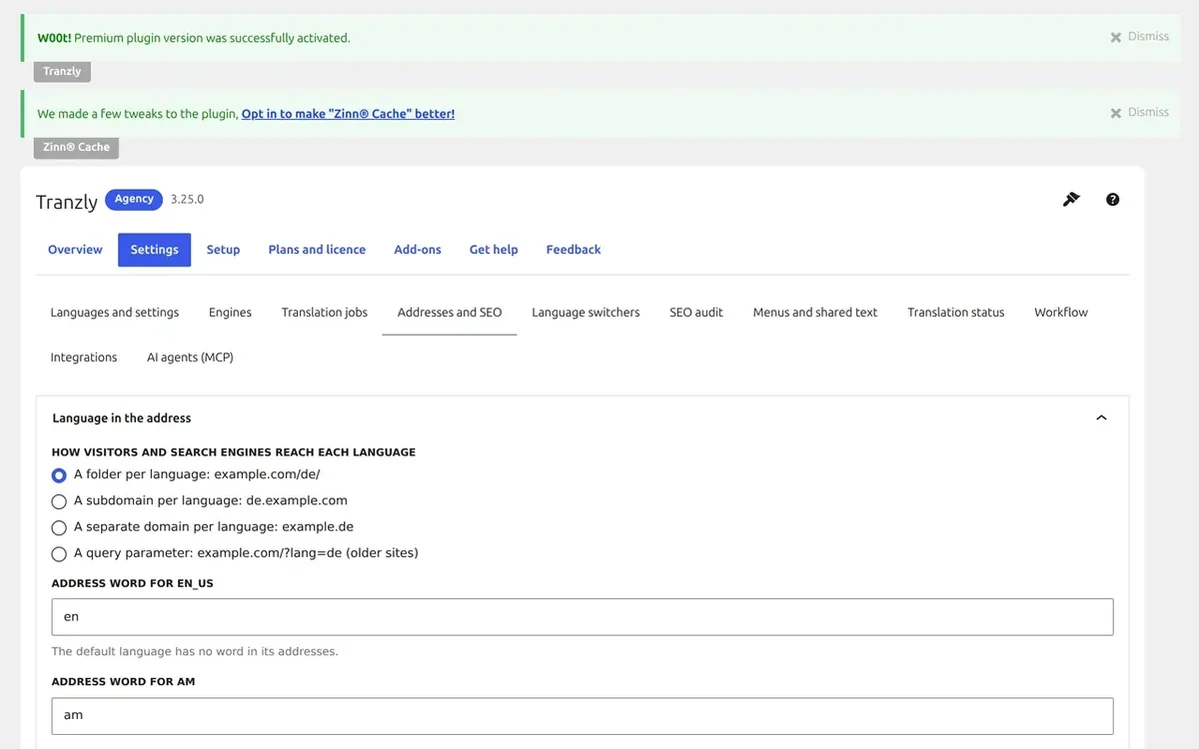
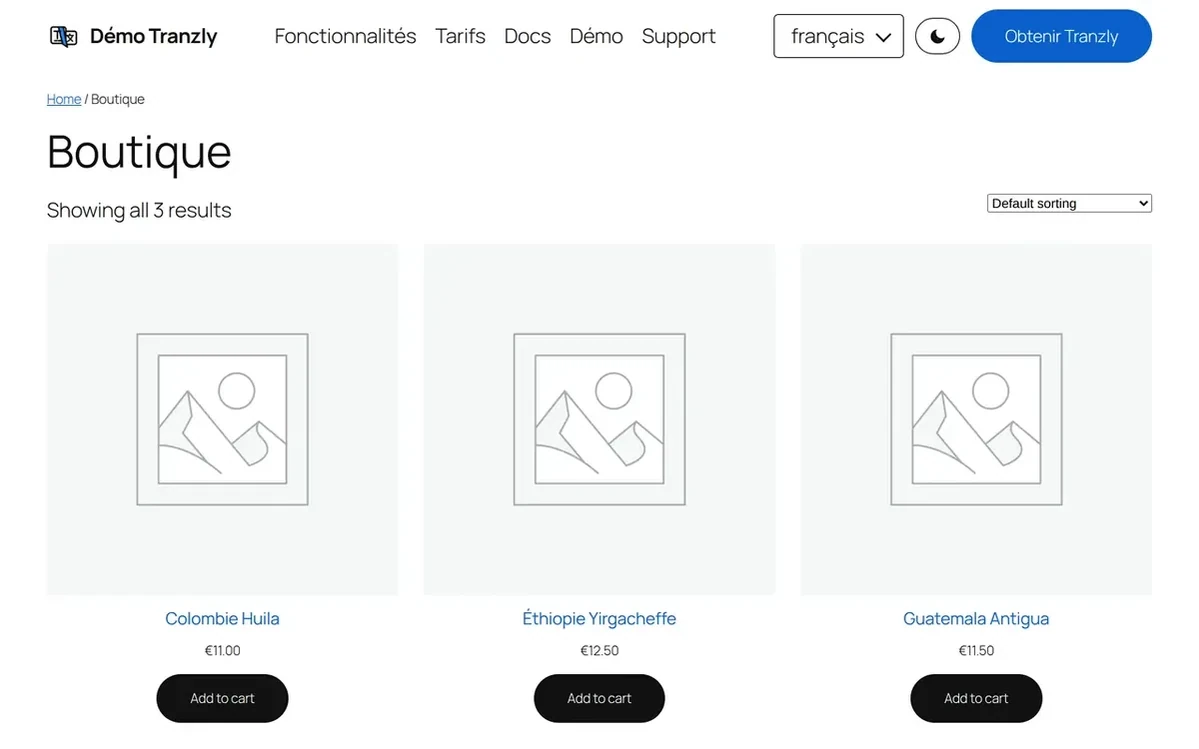
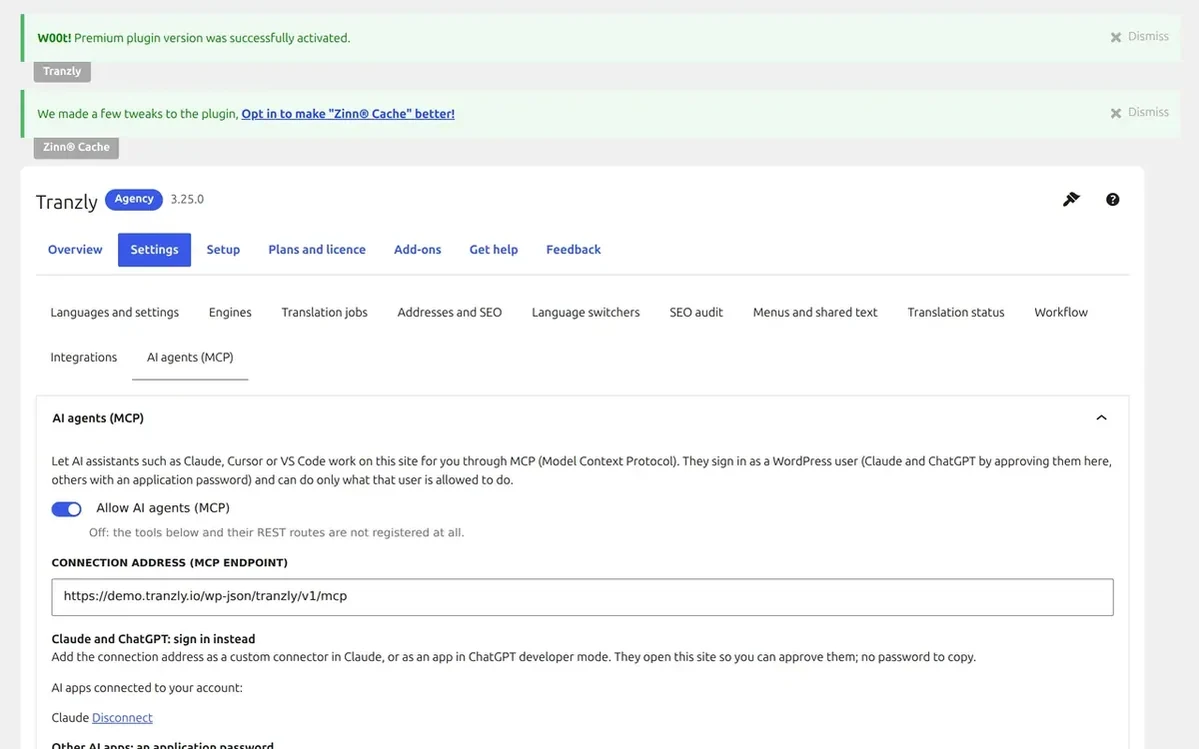
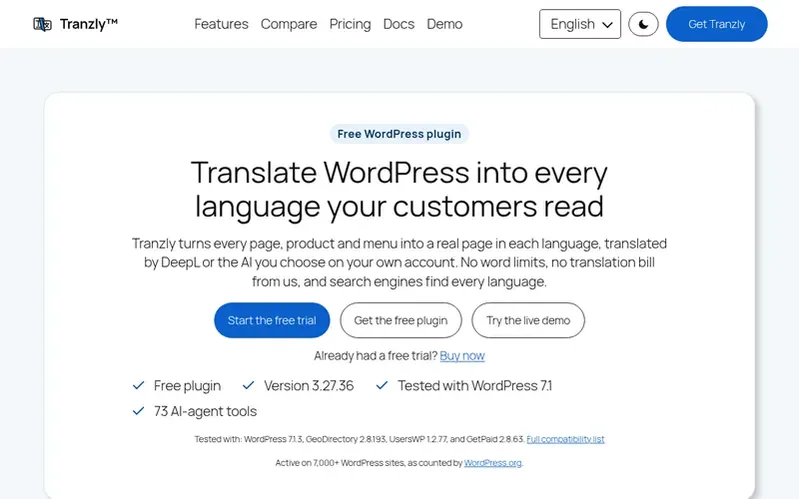
Tranzly is a translation plugin for WordPress. Every language gets its own genuine post and its own translated address, so /about/ turns into /de/ueber-uns/. Reciprocal hreflang, canonical addresses and each language in the sitemap are added for WordPress, Yoast SEO, Rank Math, SEOPress or All in One SEO.
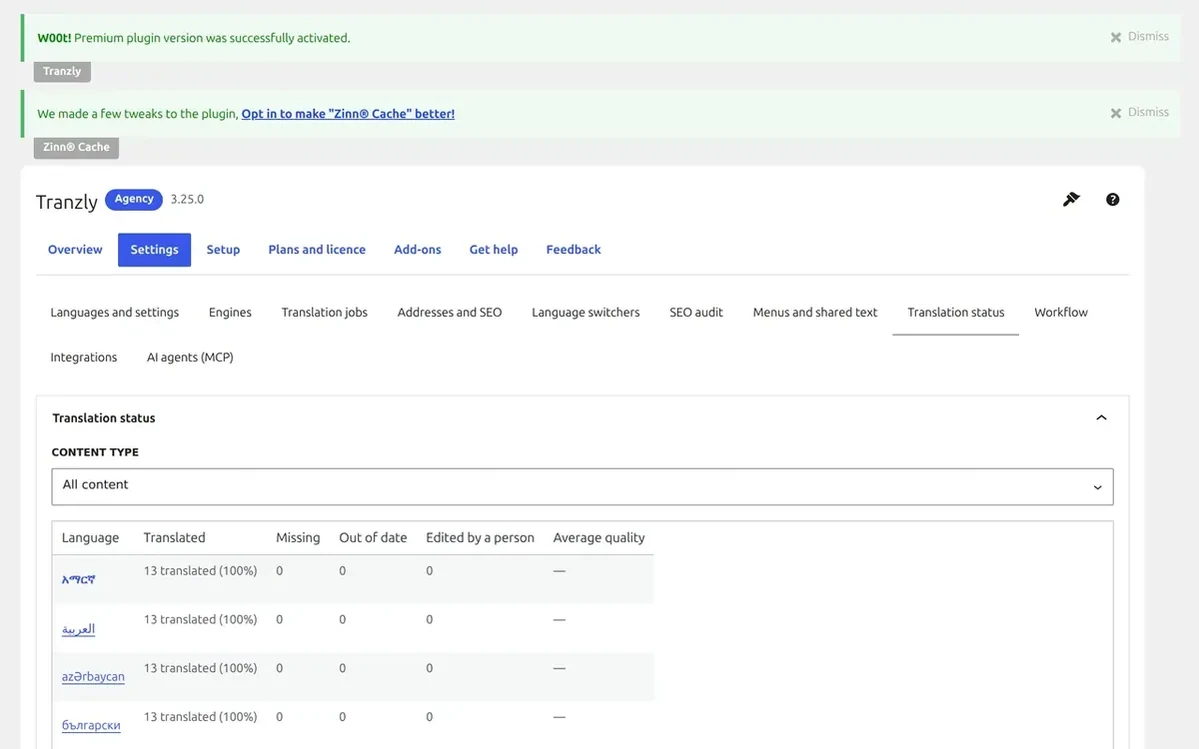
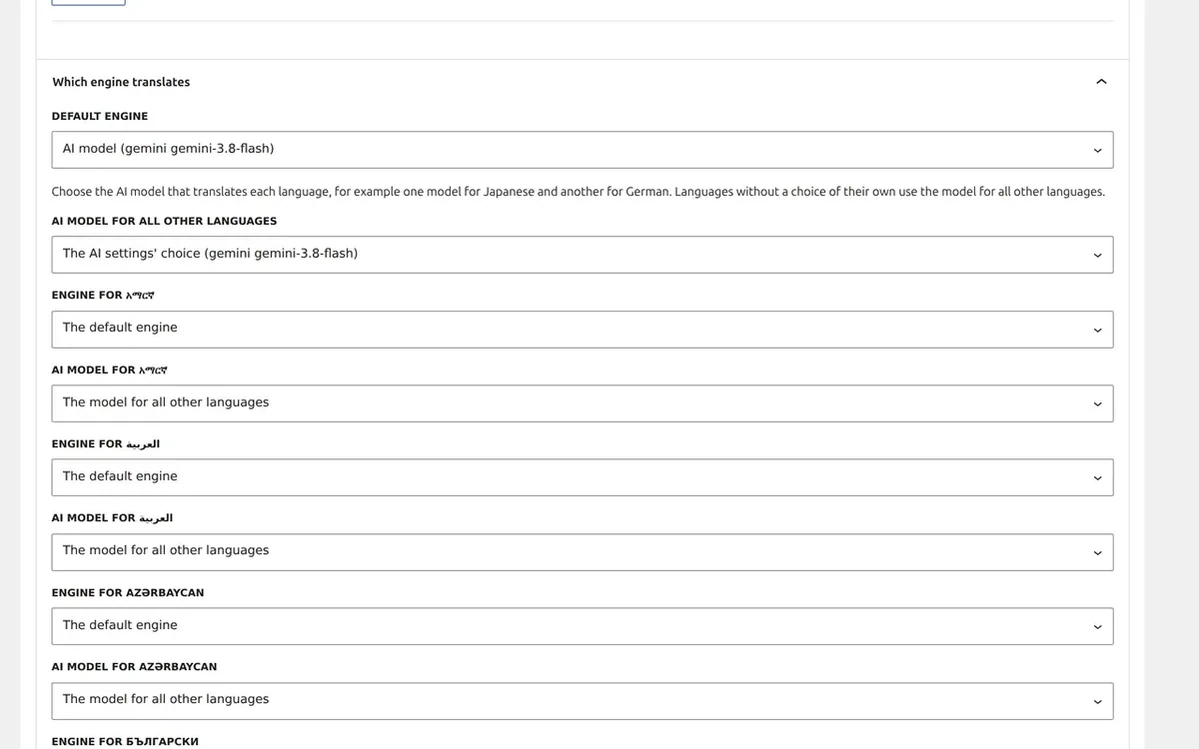
Translation is done by DeepL or the AI model you pick, using your own account. The estimated cost is shown beforehand, and Tranzly never counts or sells words, so you pay the translation service directly. The free edition on WordPress.org offers unlimited languages, a side-by-side editor, background translation jobs and a status view per language. Corrections made by a person are protected from being re-translated.
Pages in translation need at most two extra database queries and set no cookie, which keeps page caches working. Tranzly Pro brings the whole WooCommerce shop with prices in the visitor's currency, Elementor, Divi, Bricks and other page builders, a glossary and translation memory, translator and reviewer roles, plus imports from WPML, Polylang and TranslatePress. AI assistants such as Claude and ChatGPT can drive translation through 73 built-in tools.
Zinn Digital® Ltd develops, sells and supports Tranzly, and Neil Lock builds it. WordPress.org counts it active on more than 7,000 sites.
Under the hood
- A genuine separate post for each language, tied back to its original
- Translated addresses, with permanent redirects from the old ones
- Reciprocal hreflang, canonicals and all languages listed in the sitemap
- Your own DeepL or AI model account, with the cost displayed beforehand
- Word limits don't exist: Tranzly never counts or sells words
- An editor with original and translation side by side, plus status per language
- Translation jobs run in the background, with a report and a one-click retry
- Switch languages via block, menu item, widget, shortcode or floating button
- WooCommerce products in all editions, and the whole shop in Pro
- Pro supports Elementor, Divi, Bricks, Beaver Builder, Oxygen and WPBakery
Pricing
Pricing model: Freemium
The plugin costs nothing on WordPress.org and includes unlimited languages. Tranzly Pro comes as a yearly or monthly plan for 1 site, 5 sites or unlimited sites, each with a 14-day free trial, no card needed. Translation costs go to the service you connect, never per word to Tranzly.
Quick answers
Does Tranzly cost anything to use?
Yes, there is a no-cost edition. The plugin on WordPress.org comes with unlimited languages, linked translations, machine translation using your own DeepL or AI key, translated addresses, hreflang and sitemaps. Tranzly Pro extends this to the whole WooCommerce shop, page builders such as Elementor and Divi, bulk translation and team workflow.
Are there per-word fees with Tranzly?
No. Tranzly never counts or sells words. Link your own DeepL, Google, Microsoft or AI account, look at the estimated cost beforehand, and pay that service directly.
Does going multilingual with Tranzly slow my site down?
No cookie is set, and each translated page costs two database queries at most, so page caches carry on working.
Is switching over from an existing plugin like WPML, Polylang or TranslatePress possible?
Yes, through Tranzly Pro. It brings in your languages and the links between translations, keeps the previous plugin's data untouched, and a single button reverses the import.
Which company is behind Tranzly?
Zinn Digital® Ltd develops, sells and supports Tranzly, and Neil Lock is the person who builds it.
Race history
Speed measured on a clean WordPress site (new tab)
Tranzly 3.22.0 added 0.1 kB to a page and no requests to other servers; the Lighthouse performance score on phones stayed at 100.
Tranzly 3 on WordPress.org (new tab)
Version 3.18.0, the first Tranzly 3 release on WordPress.org: one real post per language, translated addresses and DeepL or AI translation on your own key.
First published on WordPress.org (new tab)
Tranzly's plugin page and first code went up on WordPress.org.
Also racing
 Page Builder Sandwich
WordPress plugins